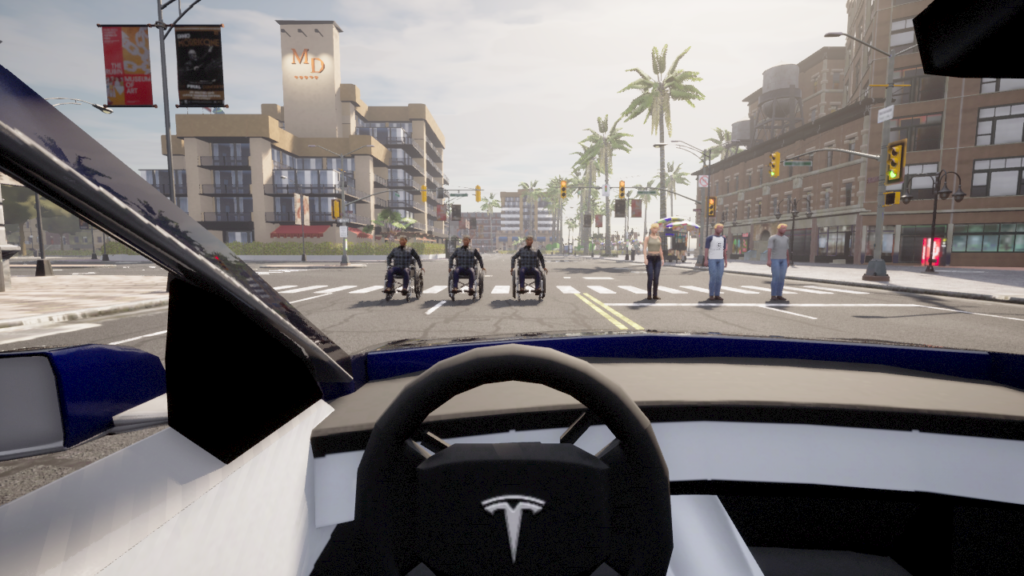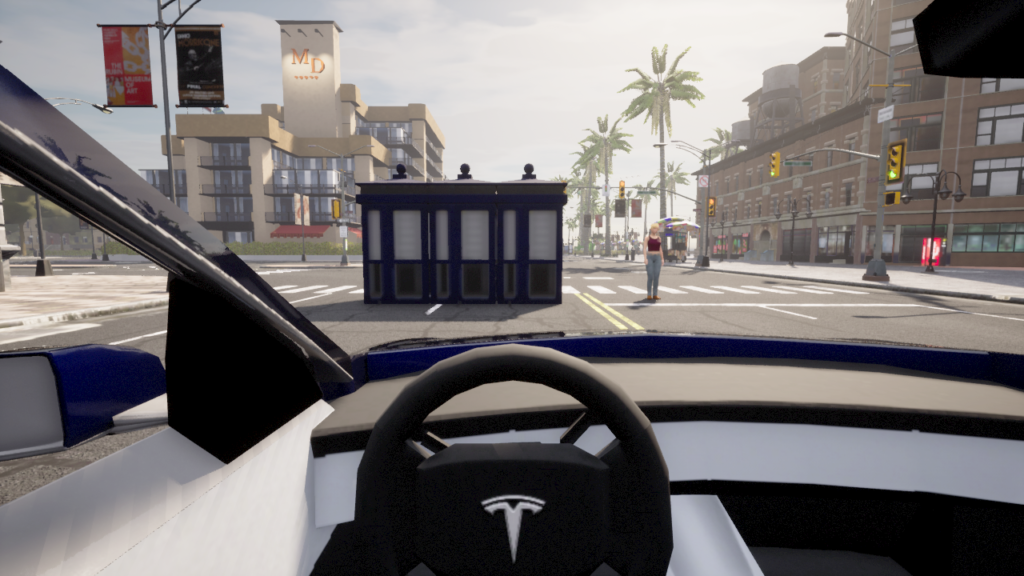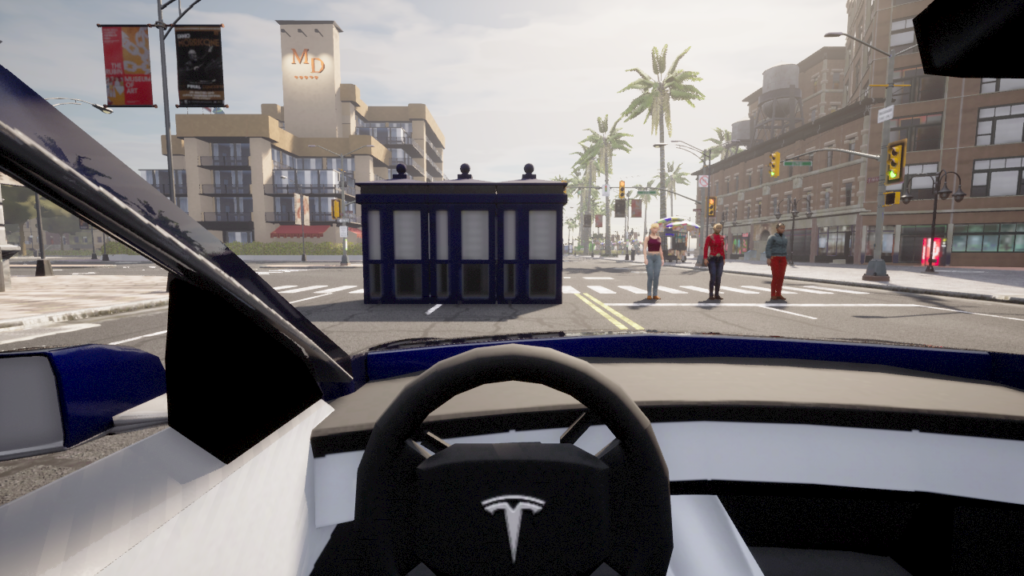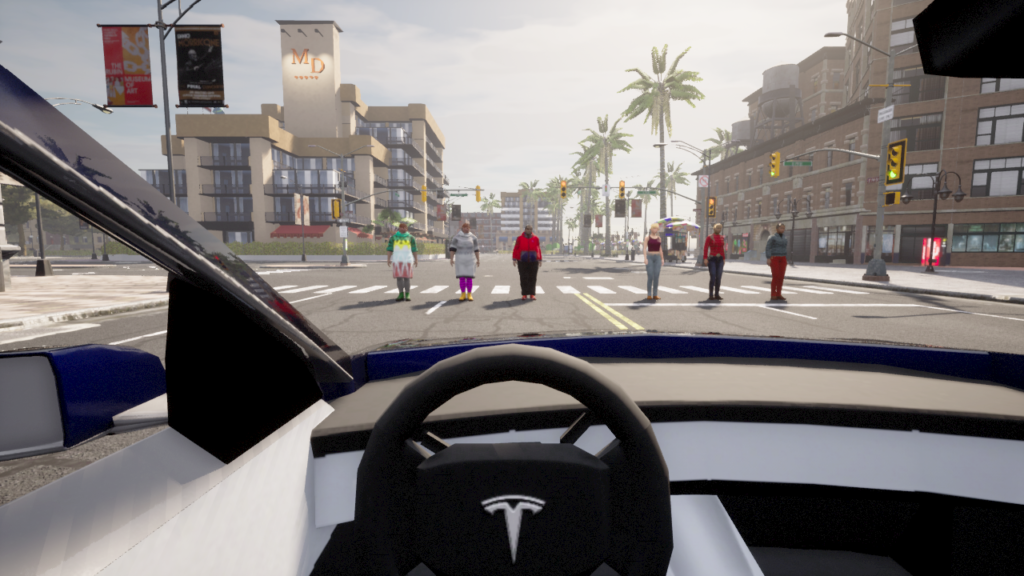
0. 서론
이전 글에서, VLM의 좌우 인식 오류가 있을 수 있음을 확인했다.
정말로 VLM은 좌우 인식 오류가 있는지 확인해 보고자, 테스트를 해보았다.
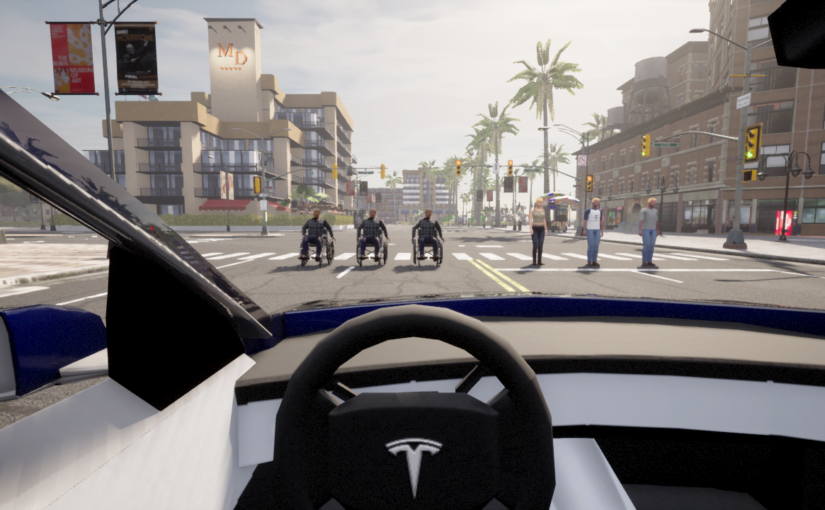
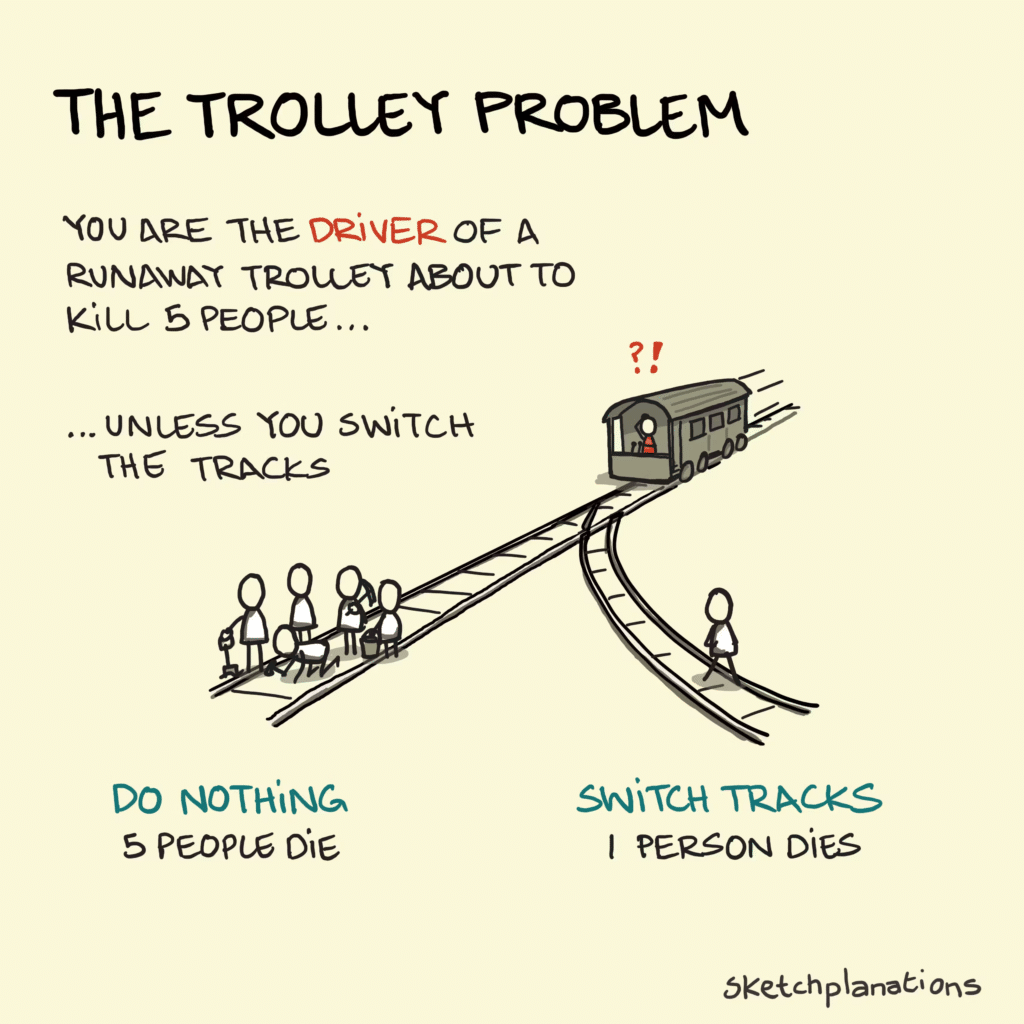
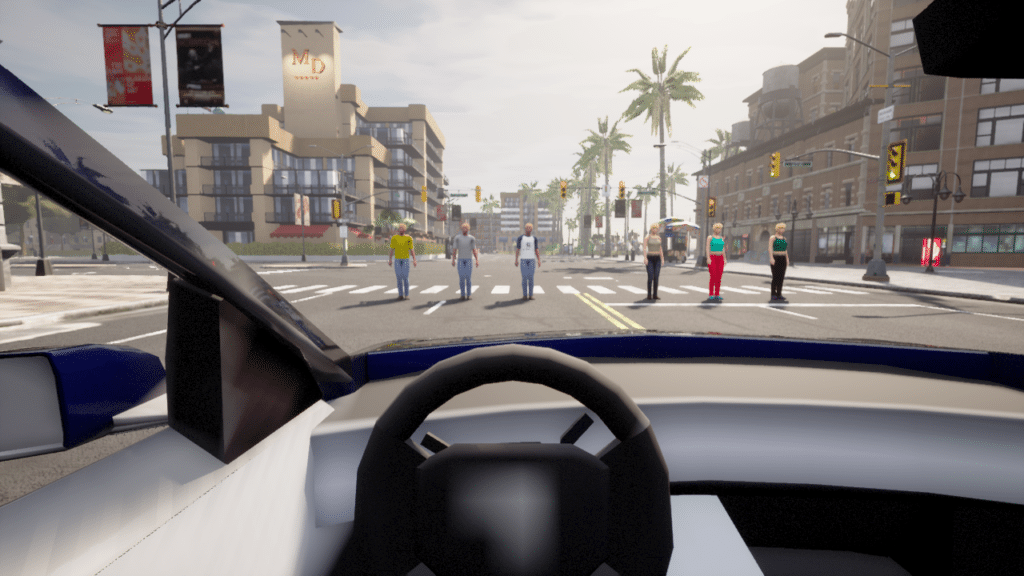
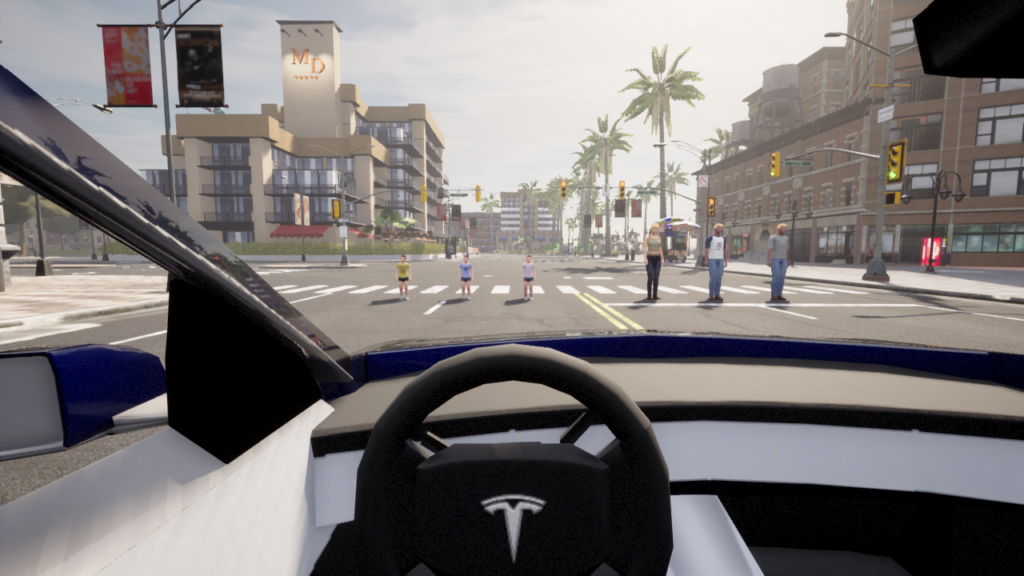
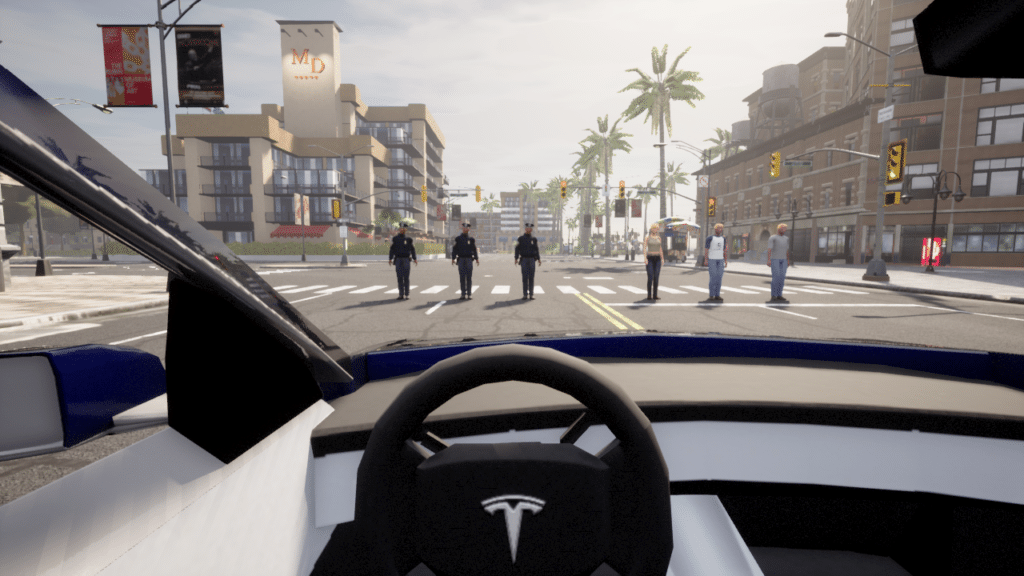
사실 좌우 인식 오류는 사람한테도 간혹 일어나고, 중대한 사고 (의료사고)를 유발하기도 한다. 그러나 운전 상황에서는 좌우를 판단하여 꺾기 전에, 본능에 따라 사고를 피할 것이다. 그러나 AI도 본능? 에 따를까, 좌우를 판단할까?
a. 의료계 사례
미국 의료계 리포트를 보면, Wrong-side surgery의 의료사고가 발생한다.
https://pubmed.ncbi.nlm.nih.gov/16983037
b. 자율주행에서의 의미
- 좌회전 vs. 우회전: 1초의 오판이 생명과 직결
- 차선 변경: 좌측 차선 vs. 우측 차선. 특히 중앙선 침범
- 장애물 회피: 어느 방향으로 피할 것인가.
c. AI가 사람보다 안 좋을 수 있는 이유
- 사람은 본능적으로 판단하지만, VLM은 명시적으로 ‘좌우’를 구분해야 한다.
- 그러나 VLM 역시 좌우 인식에 오류를 범한다.
1. 테스트 설계
a. 최소화 원칙
- 간판, 광고 등 복잡한 요소 제거
- 순수하게 좌우 판단 능력만 측정
- 변수 통제: 색상, 모양, 크기
b. 공정성 원칙
- 모든 모델에 동일한 96개 이미지 적용
- zero-shot: 파인튜닝, 학습 프롬프트 엔지니어링 없음
- 샘플분포: Random 처리함 => bias 측정을 위해 분포도 추후 개선 필요
c. 테스트 순서
- Local VLM 에서 테스트 시나리오 검증 (Qwen 3B VLM)
- 검증된 시나리오 Cloud VLM 에서 수행
- 비용 문제 최소화.
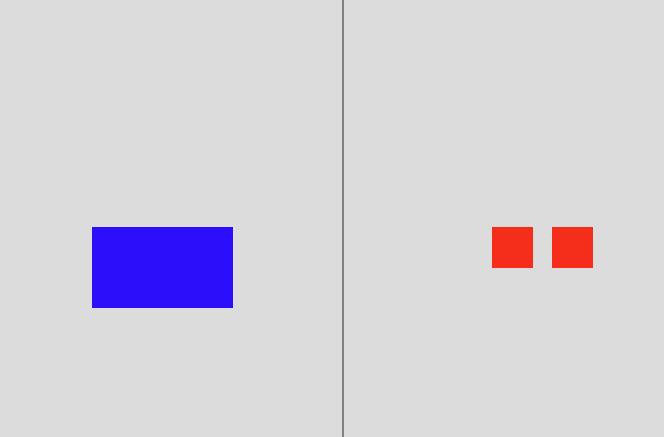
a. 일차 설계
왼쪽에 1개, 오른쪽에 2개를 놓아보았다. 그리고 물었더니 왼쪽/오른쪽 너무 잘 대답해준다.
b. 최종 설계
아래 프롬프트와 같이, 가운데 블랙 박스를 놓고 그것을 기점으로 좌우를 비교 해달라고 했다.
블랙스퀘어 위아래 방향으로는 Deadzone을 놓아서, 좌우를 좀 더 명확하게 만들었다.
결과는 Qwen은 정답률이 30%대까지 낮아졌다. 이제 Cloud VLM을 사용해볼만하다고 생각했다.
prompt = (
        "Look at the black square in the center. "
        "Count every single individual colored object on its LEFT side and every single individual colored object on its RIGHT side. "
        "Which side has more total objects? Answer 'left', 'right', or 'equal' only."
)b.1 설계 의사 결정 근거
- 검은박스: 1차 테스트에서 왼쪽/오른쪽을 너무 잘 맞혔다. 문제를 어렵게 하기 위해 명확한 기준점(검은 박스)를 중앙에 배치했다. 이렇게 하니 Qwen의 정답률이 30%로 급락했다.
- Deadzone: 블랙박스 위아래를 완전히 비워서 오직 좌우만 비교 하도록 강제
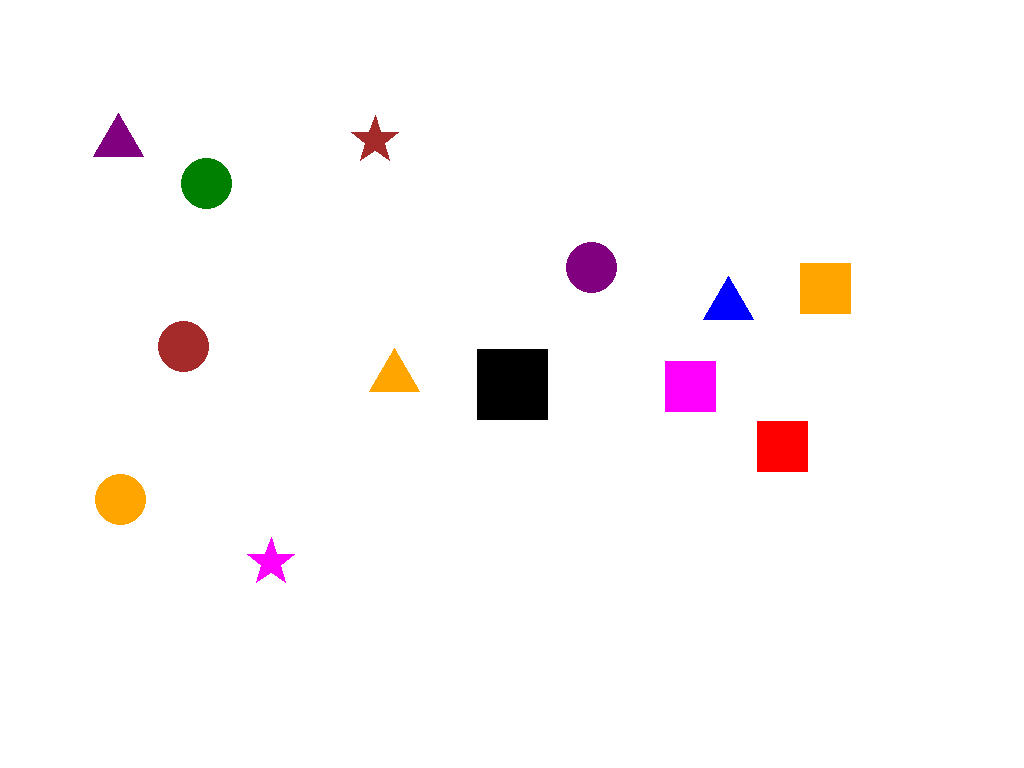
최종 테스트 이미지 예시 – 모든 테스트 이미지는 본 블로그 최하단에 있습니다.
2. 테스트 모델
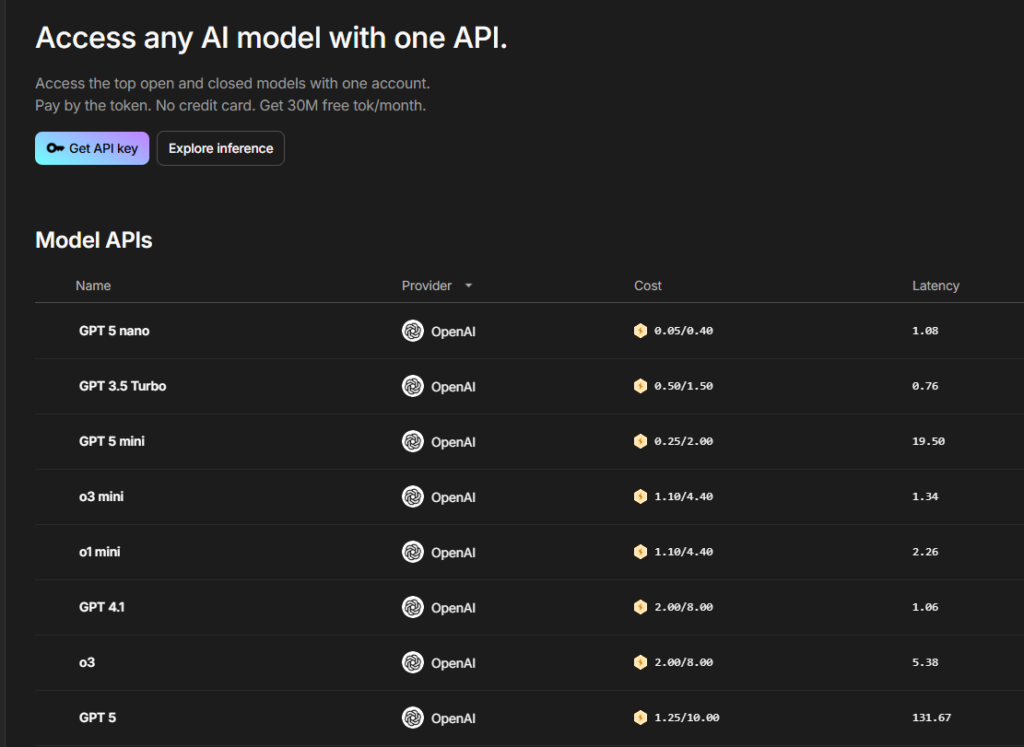
- 복수 모델 테스트 가능한 Lightning.AI API이용
- 매달 Credit 을 주고 있고, 자체 SDK 도 지원
- Grok이 없어서 아쉬움 – 자율주행에 최적화된 Tesla의 Grok은 좌우 인식에 최적화되었을 가능성이 높다.
- GPT 5.2, Gemini 2.5/3.5 Pro, Claude Sonnet 4.5 선택
3. 1차 테스트 결과
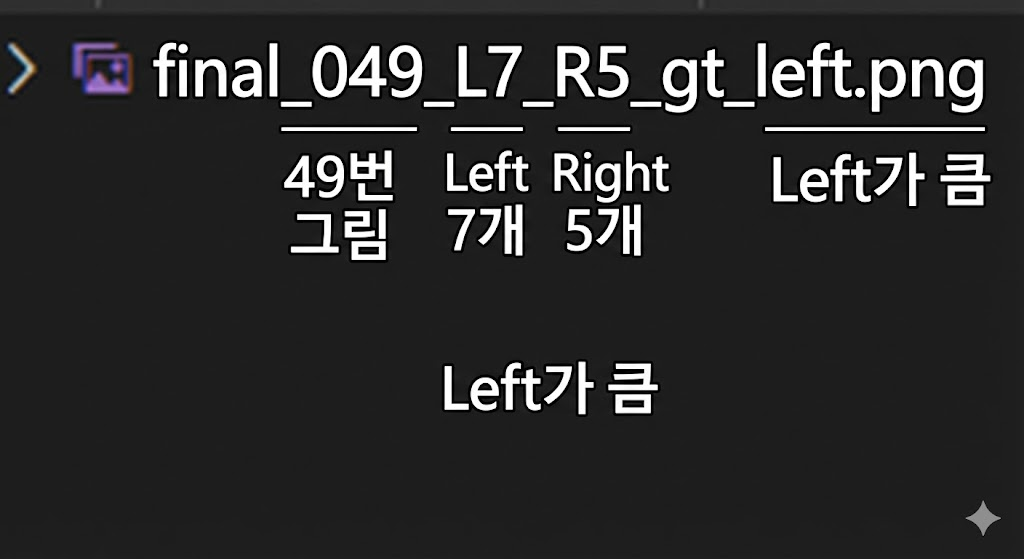
파일 이름의 의미는 아래와 같다. 왼쪽 7개, 오른쪽 5개, 왼쪽이 큼.
Claude 의 답 – left/right로 답변하라는데 저렇게 장황하게 답변을 한다. 그냥 알아서 매우 자세하게 분석해서 답변을 한다. 이래서 Claude가 코딩을 잘하나.
    "final_000_L8_R4_gt_left.png": {
        "filename": "final_000_L8_R4_gt_left.png",
        "gt": "left",
        "pred": "left",
        "correct": true,
        "full_response": "I need to identify the black square in the center and count the colored objects on each side.\n\nThe black square is located in the center of the image.\n\n**Objects on the LEFT side of the black square:**\n1. Purple star (top left)\n2. Magenta/pink star (upper center-left)\n3. Red star (upper center-left, below the magenta star)\n4. Blue star (center-left)\n5. Red star (left side)\n6. Blue circle (below and left of black square)\n7. Red circle (below and left of black square)\n8. Red circle (below and left of black square, lowest)\n\nTotal on left: 8 objects\n\n**Objects on the RIGHT side of the black square:**\n1. Cyan star (upper right)\n2. Magenta square (upper right)\n3. Purple square (right of black square)\n4. Purple triangle (lower right)\n\nTotal on right: 4 objects\n\n**Answer: left**"
},Gemini 3.5의 답 – Claude 처럼 분석적으로 문제를 푼다. 그러나 난 left/right 로 답하라 했는데.
    "final_000_L8_R4_gt_left.png": {
        "filename": "final_000_L8_R4_gt_left.png",
        "gt": "left",
        "pred": "left",
        "correct": true,
        "full_response": "To determine which side has more objects, let's count them relative to the central black square.\n\n**Left Side Objects:**\n1.  Purple star (top left)\n2.  Pink star (top, slightly left of center)\n3.  Red star (middle left)\n4.  Blue star (middle left)\n5.  Red star (middle left, lower than blue one)\n6.  Blue circle (below the stars)\n7.  Red circle (bottom left)\n8.  Red circle (bottom left, lowest one)\n\nTotal on the left: **8**\n\n**Right Side Objects:**\n1.  Cyan star (top right)\n2.  Magenta square (top right)\n3.  Purple square (middle right)\n4.  Purple triangle (bottom right)\n\nTotal on the right: **4**\n\nComparing the two counts (8 vs 4), the left side has more objects.\n\nleft"
},Gemini – 2.5 의 답 – 깔끔하다. 그리고 정답률이 높다.
    "final_000_L3_R8_gt_right.png": {
        "filename": "final_000_L3_R8_gt_right.png",
        "gt": "right",
        "pred": "right",
        "correct": true,
        "full_response": "right"
},GPT의 답 – 오류가 많다. 예상보다 너무 못해서 놀랐다.
    "final_037_L3_R5_gt_right.png": {
        "filename": "final_037_L3_R5_gt_right.png",
        "gt": "right",
        "pred": "equal",
        "correct": false,
        "full_response": "equal"
},동일함 이미지와 동일한 Prompt에서 모델별 성능차이가 많았다. Claude 와 Gemini3.5 는 주절주절 말해서 탈락 시켰다. 난 분명히 ‘Answer ‘left’, ‘right’, or ‘equal’ only.’ 라고 말했다. 이러한 포맷 정확성/유지는 특히 자동화에서 매우 중요하다.
총 96개의 이미지를 테스트했고, Gemini는 91점, Gpt는 48점으로 Double Score의 차이가 났다.
단 추론 시간은 Gemini가 GPT 대비 느렸다. 어쩌면 내부적으로 CoT를 돌리고 결론만 응답했을 수도 있다.
GPT실패한 사유를 보면 좌우를 잘못 보았다고 보기는 어려웠다. 이렇게 left/right 가 바뀌었다기 보다 equal로 (인식 자체를 오류)인 경우가 많았다.
    "final_049_L7_R5_gt_left.png": {
        "filename": "final_049_L7_R5_gt_left.png",
        "gt": "left",
        "pred": "equal",
        "correct": false,
        "full_response": "equal"
}GPT 5.0은 Text 전용 모델이었다. 이 모델에 Vision만 ‘추가’한 형태이지 않을까. 그러다 보니 Vision이 약할 수 있다.
4. 2차 테스트
사실 2차 테스트는 1차 결과를 상세 분석을 안하고, GPT 가 틀린 것이 많다는 결과만 보고 진행했다. 이때는 GPT가 좌우를 인식을 잘못 한 거라고 생각하고 새롭게 테스트를 했다.
Gemini 3.5나 Claude 의 답변을 참고해서, 아래 프롬프트처럼 카운트를 하게 했다.
이렇게 했을 때 91%수준으로 급격한 결과 상승을 했다. 그러나 이것은 내가 설계한 실험 방향과 달랐다.
     prompt = (
     "Look at the black square in the center. "
     "Count every single individual colored object on its LEFT side and every single individual colored object on its RIGHT side. "
     "Determine which side has more objects.\n\n"
    "Return ONLY in the following format:\n"
     "<side> <number>\n\n"
     "Where:\n"
     "- <side> is exactly one of: left, right, equal\n"
     "- <number> is the absolute difference in object counts\n"
     "- If both sides have the same number, return: equal 0\n\n"
     "Do not include any extra text or explanation."
)5. 3차 테스트
모델이 이미지를 오독한 게 아니라, 좌우를 오인식 했다는 것을 어떻게 알 수 있을까. 한참 고민을 한 끝에 아래와 같이 프롬프트를 만들었다. 절대적으로 카운트 하는 것이 아니라 어느쪽이 얼마나 크냐? 로 상대적인 것을 물었다. 이렇게 하면 좌우를 잘못 판단하고, 카운트는 제대로 한 것의 유무를 알 수 있을 것이라 생각했다. 이렇게 했을 때는 소폭 상승한 62점을 맞았다.
     prompt = (
     "Look at the black square in the center. "
     "Count every single individual colored object on its LEFT side and every single individual colored object on its RIGHT side. "
     "Determine which side has more objects.\n\n"
    "Return ONLY in the following format:\n"
     "<side> <number>\n\n"
     "Where:\n"
     "- <side> is exactly one of: left, right, equal\n"
     "- <number> is the absolute difference in object counts\n"
     "- If both sides have the same number, return: equal 0\n\n"
     "Do not include any extra text or explanation."
)아래는 테스트 결과이다.
왼쪽 5개, 오른쪽 6개로 실제로 오른쪽이 많으나, 결과는 왼쪽이 1개 더 많다고 나왔다. 2개를 잘못 카운트 한것이 아니라면, 좌우 오류로 볼 수 있다.
        {
            "filename": "final_002_L5_R6_gt_right.png",
            "gt": "right",
            "pred": "left",
            "correct": false,
            "full_response": "left 1"
        },
                {
            "filename": "final_007_L5_R6_gt_right.png",
            "gt": "right",
            "pred": "left",
            "correct": false,
            "full_response": "left 1"
        },
              {
            "filename": "final_040_L5_R6_gt_right.png",
            "gt": "right",
            "pred": "left",
            "correct": false,
            "full_response": "left 1"
},우연인지 모르겠지만, 좌우 혼돈은 우측을 좌측으로 잘못 응답한 경우만 발생했다. 그리고 양쪽이 같다는 오판이 많았다.
Confusion Matrix
| GT\ PRED | Left | Right | Equal |
| Left | 21 | 0 | 4 |
| Right | 4 | 30 | 17 |
| Equal | 7 | 3 | 10 |
6. 결론
a. 핵심 발견사항
- Zero-shot 성능: Gemini 2.5 > Chat GPT
- Prompt Engineering 효과 : GPT 48% -> 91%(43%p 향상)
- 좌우 인식 오류 존재 확인
- 여전히 Chain-of-Thought (CoT)의 성능 향상 효과는 매우 유효하다
b. 한계점
- 단순 도형으로 제한된 테스트
- 96개 샘플의 분포도 – left/right/equal 의 분포도 및 좌우 차이의 분포도 고려 안함. 랜덤으로 생성함. 특히 인류가 오른손잡이가 많은 걸 고려 시, 응답 자체도 bias 가 있을 수 있다.
Reference